
Desktop
Ever opened up your computer to a desktop chock full of icons? It’s time to declutter that space.
Most of us use the desktop as bit of a dumping ground – we download things there or put them there for reference or quick access. But it can give a cluttered feeling straight away when we’re starting our day.
Here’s how to get started sorting this out:
- Arrange the icons in a way you can prioritise what to keep: Right click over the space on the desktop, go to View and Auto Arrange Icons.
- To see which things you have used the least – and could therefore potentially remove – right click, go to Sort By, then Date Modified. You can then see which icons were last opened and which haven’t been used in a while. Delete the ones which you just aren’t using.
- Create a catch all folder to put everything from your Desktop in ready to have a look at.
- Create some folders for your Desktop that you can then sort your Desktop items into. eg Apps, Shortcuts, Pictures.
- Sort your Desktop items into these folders and/or delete things that you really don’t need or want.
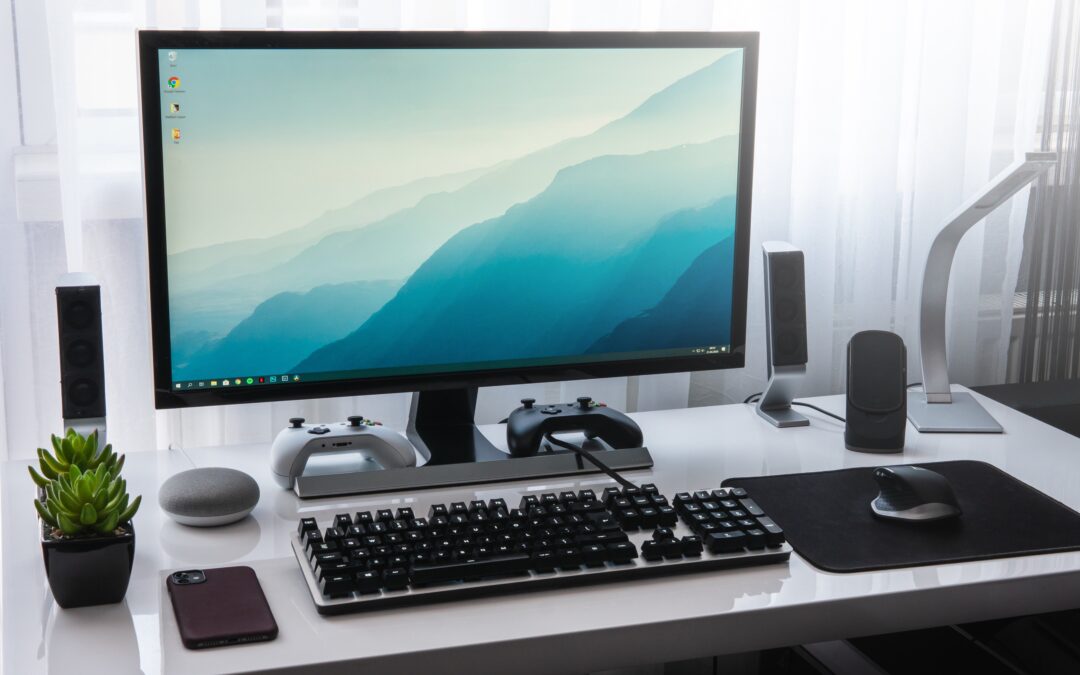
- Choose a nice background picture that you won’t want to cover over with clutter.
- Finally, make a note in your calendar to regularly go through this process before your Desktop gets out of control again.
Taskbar
The Taskbar is useful for those app shortcuts – so use this instead of icons on your Desktop to take you to your most-used apps.
If your Taskbar starts to become too unwieldly with too many icons, make a review of those shortcuts that you regularly use and really need on this bar and cull the rest.
Recycle Bin
Make sure to regularly empty your Recycle Bin as items here will still be taking up space on your computer.

Now with a nice clean start-up screen you’ll be ready to start your day!